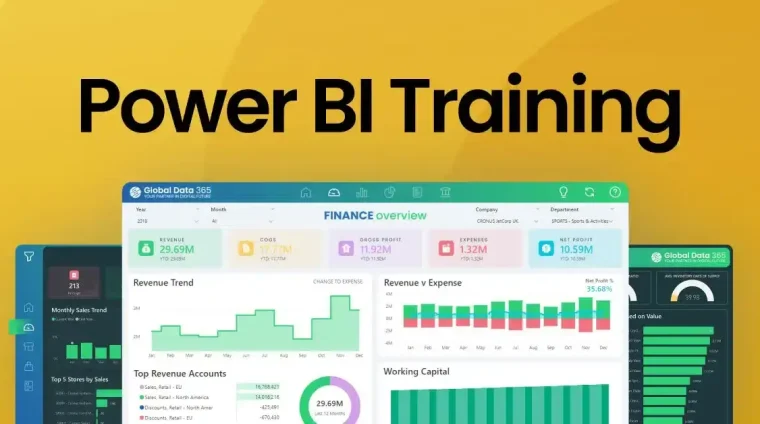
This course introduces participants to Microsoft Power BI, a leading business intelligence tool for data visualization, reporting, and analytics. Participants will learn how to connect to data sources, transform and model data, create interactive reports and dashboards, and derive actionable insights. The course combines theory with hands-on practice to equip learners with practical skills in using Power BI for effective business decision-making.
Target Groups
- Business analysts and data professionals
- Managers and decision-makers
- BI and IT professionals
- Finance, marketing, and operations staff
- Students pursuing analytics, data science, or business studies
- Consultants supporting data-driven business solutions
Course Objectives
By the end of this course, participants will be able to:
- Understand the Power BI interface and core functionalities.
- Connect to various data sources and import data efficiently.
- Clean, transform, and model data for analysis.
- Build interactive reports and dashboards.
- Apply data visualization best practices in Power BI.
- Use DAX (Data Analysis Expressions) for calculated fields and measures.
- Implement filtering, slicers, and drill-through features.
- Share and publish reports securely within organizations.
- Integrate Power BI with other Microsoft tools and platforms.
- Monitor and optimize Power BI reports for performance and usability.
Course Modules
Module 1: Introduction to Power BI
- Overview of Power BI components and ecosystem
- Understanding Power BI Desktop, Service, and Mobile
- BI concepts applied in Power BI
- Navigating the Power BI interface
Module 2: Connecting to Data Sources
- Importing data from Excel, databases, and cloud sources
- Establishing live connections and direct queries
- Data source management
- Handling large datasets efficiently
Module 3: Data Transformation and Cleaning
- Using Power Query Editor
- Data type conversion and cleaning
- Handling missing and duplicate data
- Merging and appending tables
Module 4: Data Modeling and Relationships
- Creating relationships between tables
- Building star and snowflake schemas
- Applying calculated columns and measures
- Using DAX for advanced calculations
Module 5: Data Visualization Basics
- Selecting appropriate chart types
- Creating tables, matrices, and cards
- Applying formatting and themes
- Visualizing KPIs and trends
Module 6: Interactive Reports and Dashboards
- Using slicers and filters
- Drill-through and drill-down features
- Bookmarks and storytelling techniques
- Combining multiple visuals effectively
Module 7: Advanced Analytics in Power BI
- Time intelligence functions in DAX
- Forecasting and trend analysis
- Conditional formatting and alerts
- Creating custom visuals
Module 8: Sharing and Collaboration
- Publishing reports to Power BI Service
- Sharing dashboards with stakeholders
- Setting up workspace and access controls
- Collaborating on Power BI reports
Module 9: Performance Optimization
- Optimizing data models and queries
- Reducing report load times
- Efficient use of visuals and calculations
- Monitoring usage and performance metrics
Module 10: Case Studies and Hands-On Exercises
- Real-world business scenarios
- Developing complete Power BI reports
- Analyzing performance with interactive dashboards
- Best practices for sustainable Power BI deployment